1.0.0
CurrentFirst public release. Charm sets, eight cords, the Studio for arranging them, Reduce Motion support and the idle sleep that keeps a still screen at zero CPU.
Charms that hang from the top of your Mac screen and swing on a real cord. An evil eye bead, a star, a tulip, a tea glass. Flick one with your cursor, drag it, let it swing. That is the whole app.
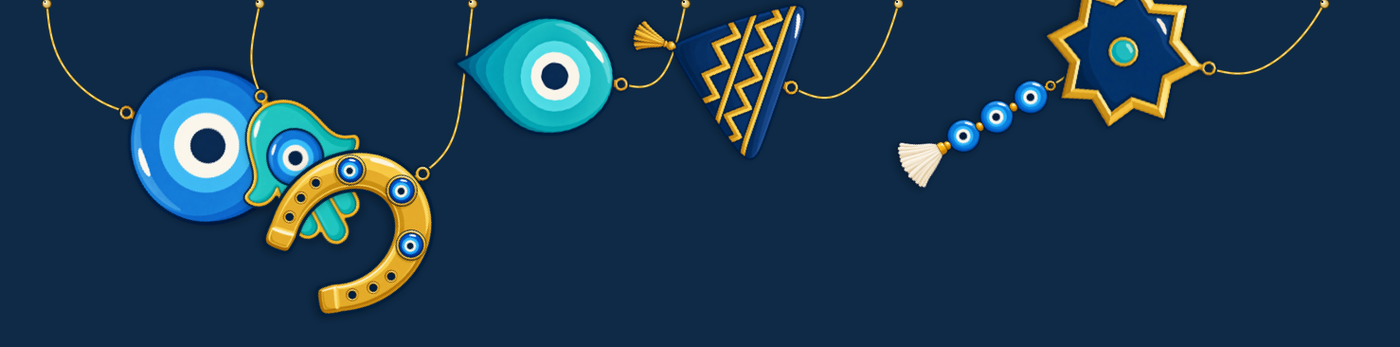
Verlet integration with distance constraints, not a looping animation. Flick a charm and it carries the momentum you gave it, then settles.
The strip is transparent and click-through. The cursor only stops passing through while it is directly over a charm, so nothing in your way ever gets blocked.
A glass bead darts about and settles quickly; a copper coffee pot shrugs off a flick and keeps swinging. Each charm has its own mass.
Sweep the cursor through a charm to flick it, grab and release it to swing it, or drag its gold pin to slide it along the top of the screen.
Gold thread, silver chain, red thread, braid, leather, prayer beads, twine and blue beads — each one hangs and moves a little differently.
The loop sleeps when nothing is moving, so a still screen costs no CPU. Reduce Motion is respected, and Hold still stops the swinging altogether.
Boncuk is not notarised — that needs a paid Apple Developer account — so macOS asks for confirmation the first time. Once, then never again.
Download the .zip and double-click it. You get Boncuk.app.
Drag it into your Applications folder.
Right-click it (or Control-click) and choose Open, then confirm in the dialog. Double-clicking the first time will be refused — this step is the whole trick.
If it is still refused, open System Settings → Privacy & Security, scroll down to where Boncuk is listed as blocked and press Open Anyway.
No permissions are requested. Boncuk does not need Accessibility or Input Monitoring access. It knows where the cursor is, and that is all it asks for.
There is no networking code in Boncuk at all — no analytics, no update check, no phoning home. It never reads your screen, your windows, your keystrokes or your files. Your settings live on your Mac and go away with the app.
First public release. Charm sets, eight cords, the Studio for arranging them, Reduce Motion support and the idle sleep that keeps a still screen at zero CPU.
The code is MIT licensed; the charm artwork is original to the project. Credit where it is due: the idea of charms on a menu-bar rail came from Swaybles (MIT), which uses the same approach for its cord. The code and the art here are Boncuk's own.
13.3 MB, macOS 14 or newer, free in full. Nothing to sign up for.
Download Boncuk 1.0.0Bug reports go to support@freefullsoft.com